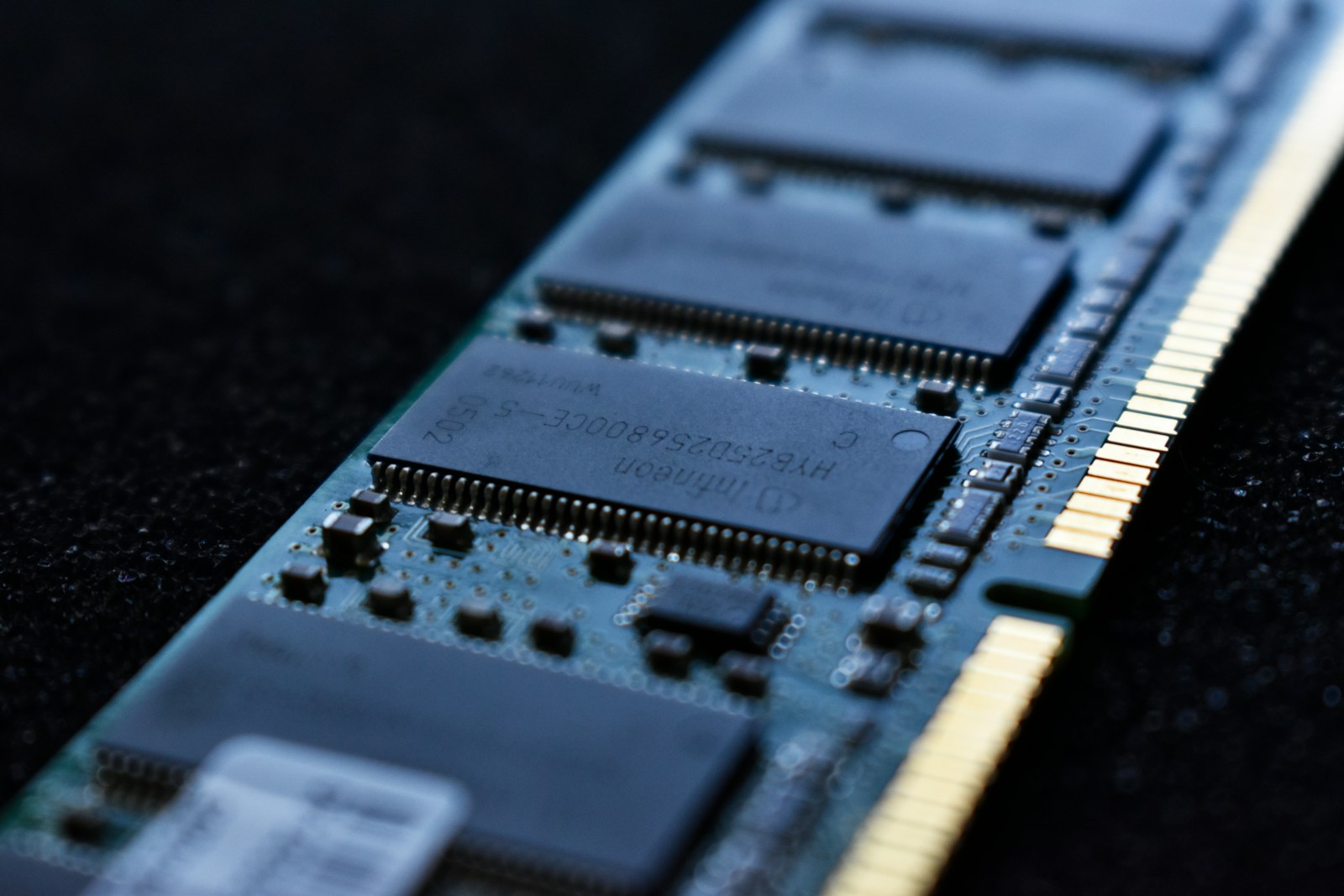
The useful question is not how much memory someone else owns. It is whether your computer has enough for the applications you use together.
Observe a normal workday
Open your usual applications and browser tabs. Check memory usage in Task Manager on Windows or memory pressure in Activity Monitor on macOS. Repeat during your heaviest normal task.
Look for symptoms together
High usage alone does not prove that you need more RAM. Operating systems use spare memory for caching. Persistent memory pressure, swapping, and noticeable pauses together are stronger clues.
Check compatibility
Consult the manufacturer’s manual for supported memory generation, capacity, slot configuration, and speed. Some laptops have soldered memory that cannot be upgraded. Never assume a module fits because its capacity matches.
Make the decision
If closing unused applications removes the slowdown, more memory may help your workflow. If memory remains comfortable but a processor or storage device is consistently busy, investigate that bottleneck first.