Hardware
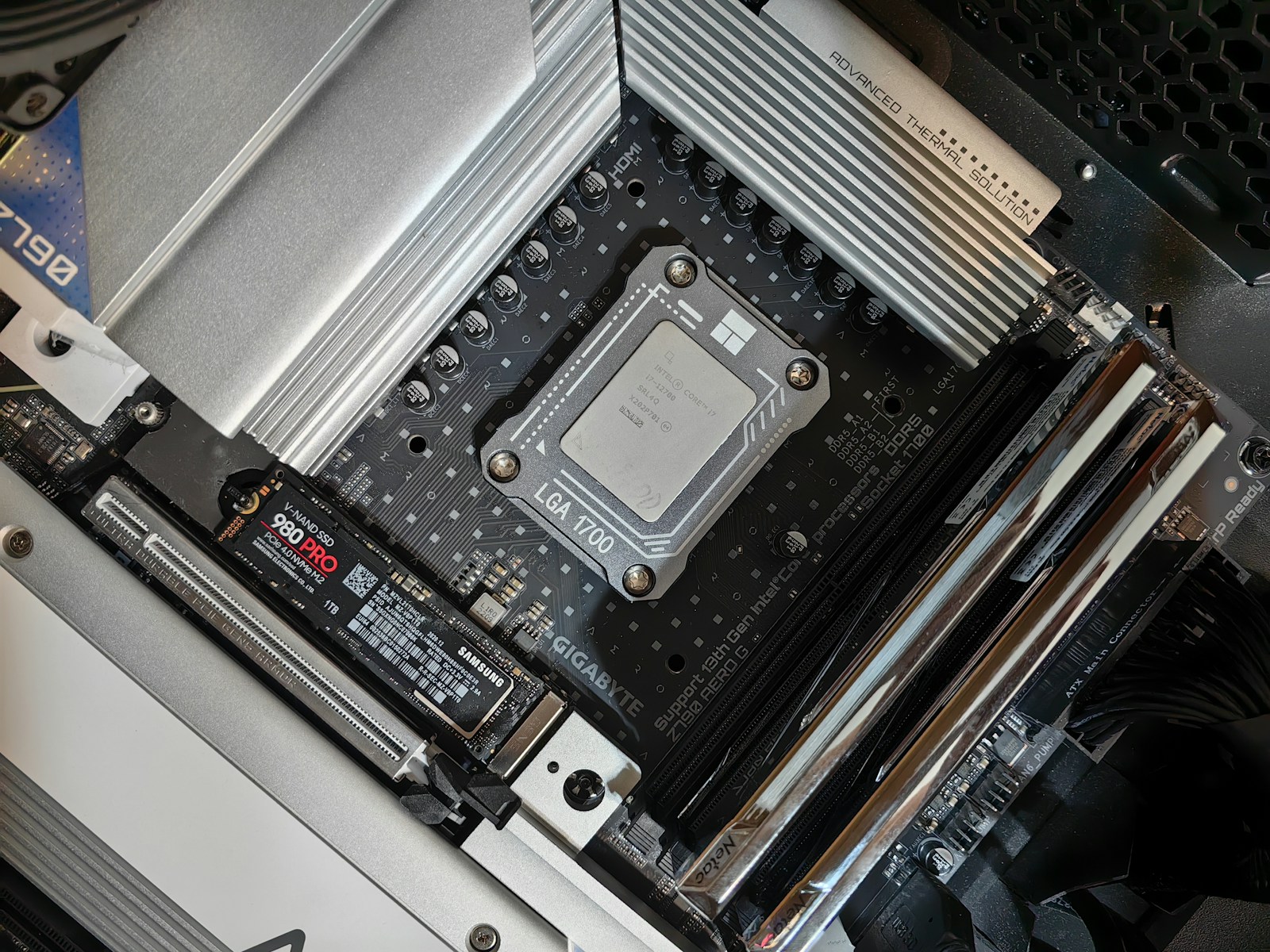
How to check SSD health and decide what to do next
Protect important files, identify the correct drive, interpret health readings in context, and distinguish a storage fault from a slow computer.
Get to know the components behind your screen.
Protect important files, identify the correct drive, interpret health readings in context, and distinguish a storage fault from a slow computer.
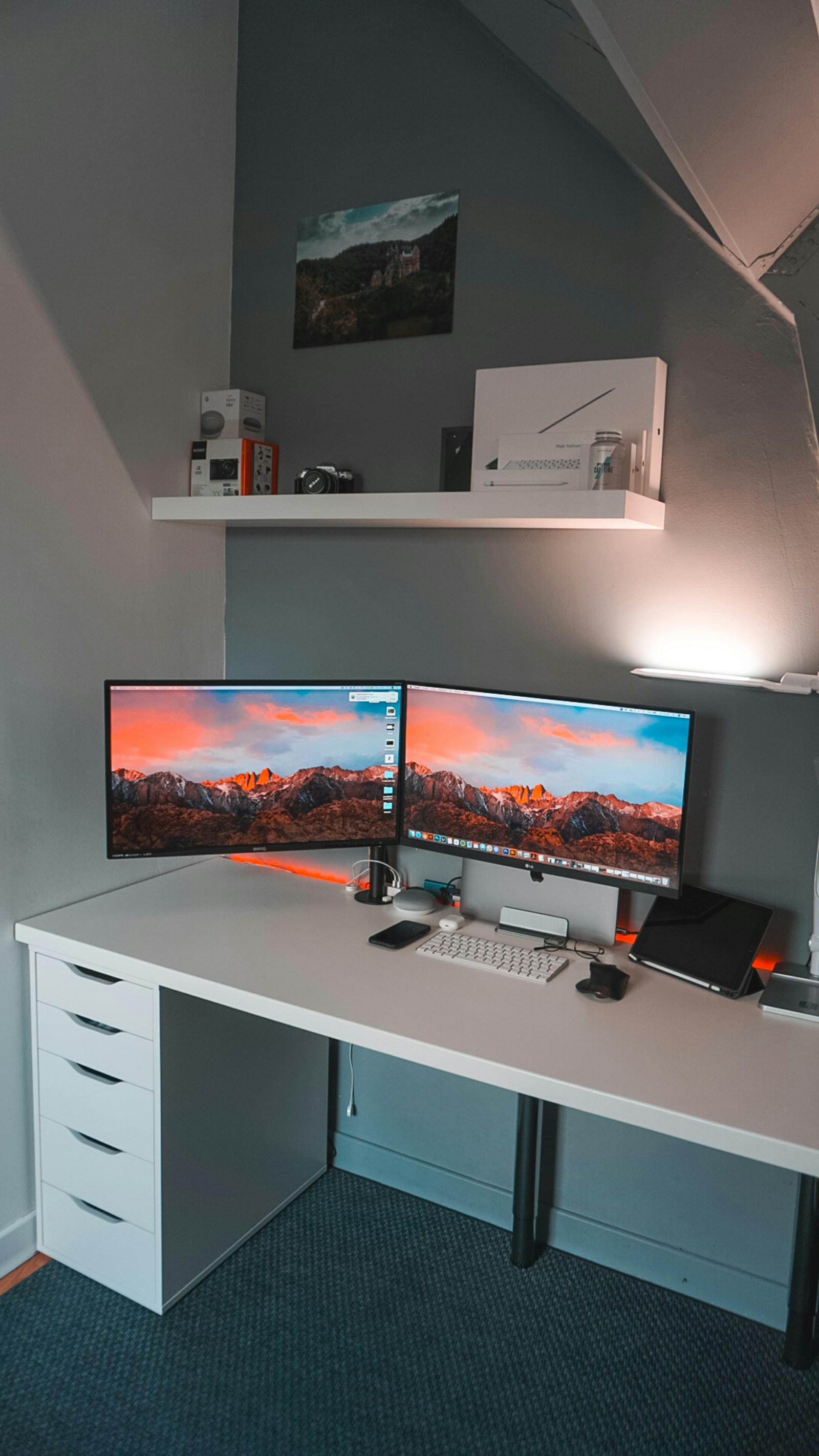
Isolate power, input selection, cables, docks, display settings, and panel faults with controlled checks before replacing hardware.

Check pairing, application devices, microphone behavior, and connection stability before replacing the headphones.

Separate a bad connection, an unexpected layout, application behavior, and a genuinely failing key.

Decide what the network storage will hold, who can access it, and how you will recover when it fails.

Check modes, lighting, profiles, and application behavior before treating every color difference as a defect.

Match connectors, physical fit, and manufacturer requirements without opening the power supply or guessing from wattage alone.
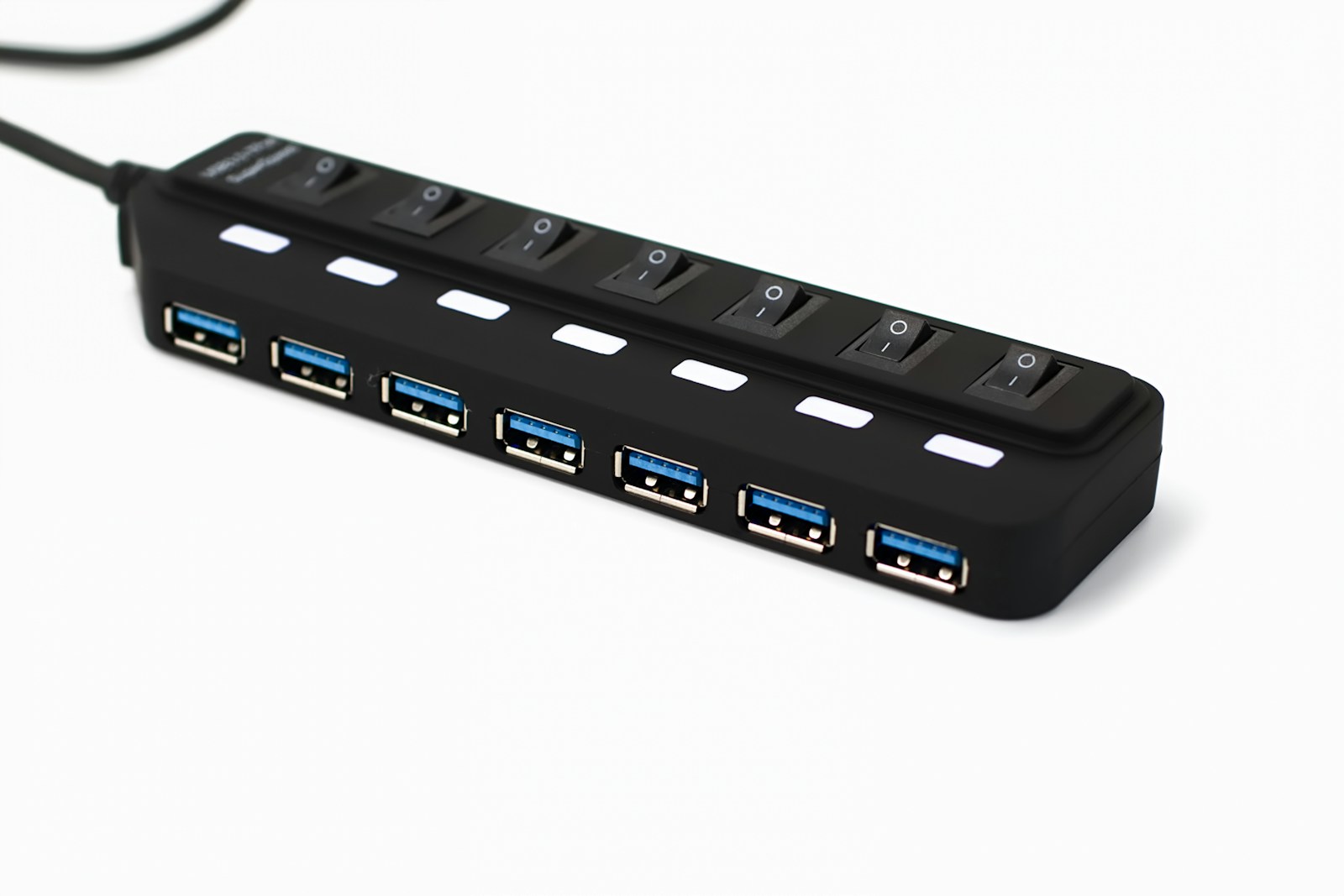
Check the whole connection chain for power, video, and data before blaming the dock.
A careful storage upgrade, from checking the slot to confirming that the new drive is ready for files.
Connect, arrange, scale, and test a second display without fighting your mouse or straining to read.
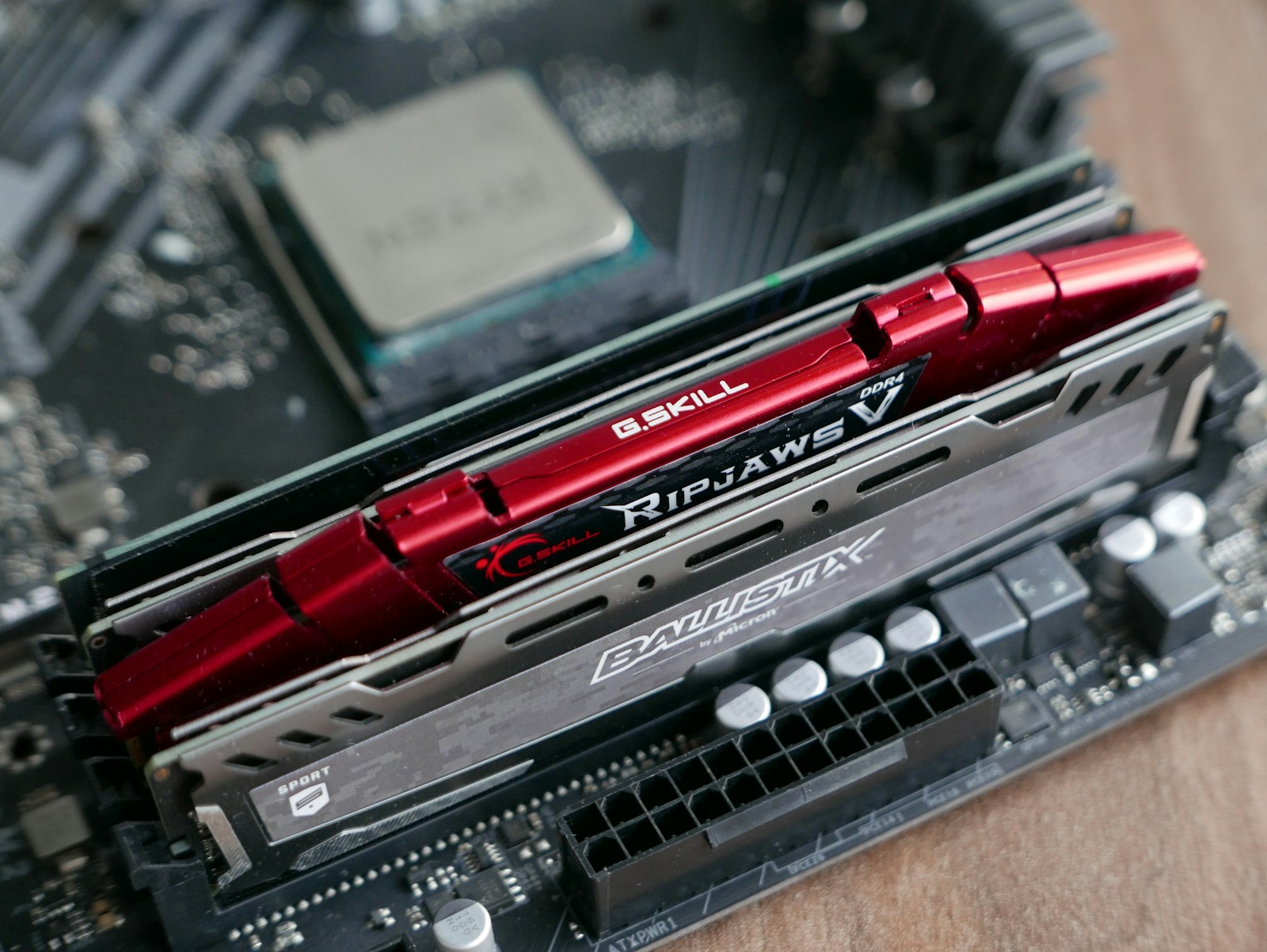
Choose compatible memory, use the correct slots, and test the upgrade before trusting it with real work.

Separate battery wear from a power-hungry workload using a report and a controlled everyday test.

A practical maintenance routine for filters, vents, and accessible fans, with clear limits on what to open.
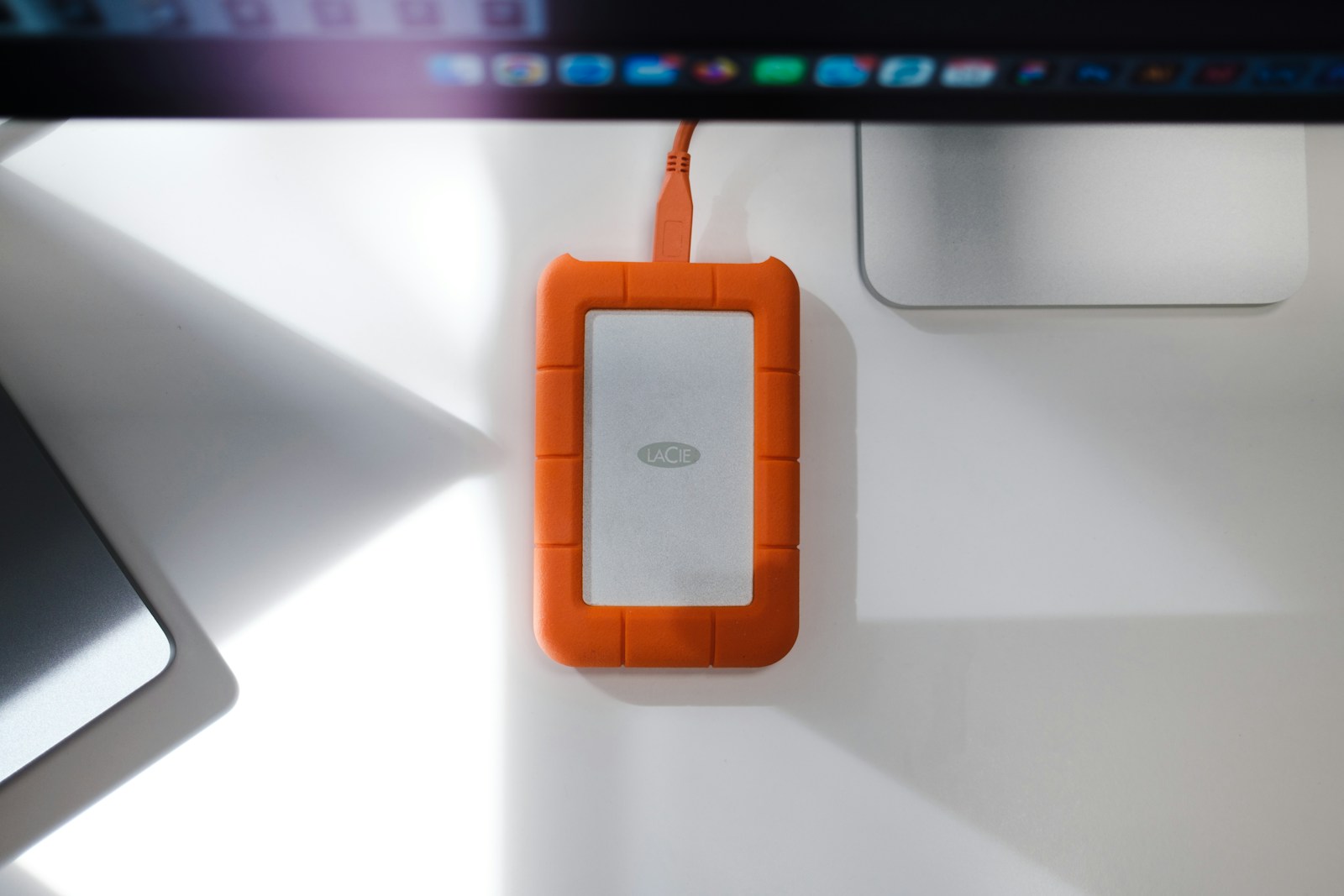
Choose a format for your devices, label the drive clearly, and verify copies before relying on it.
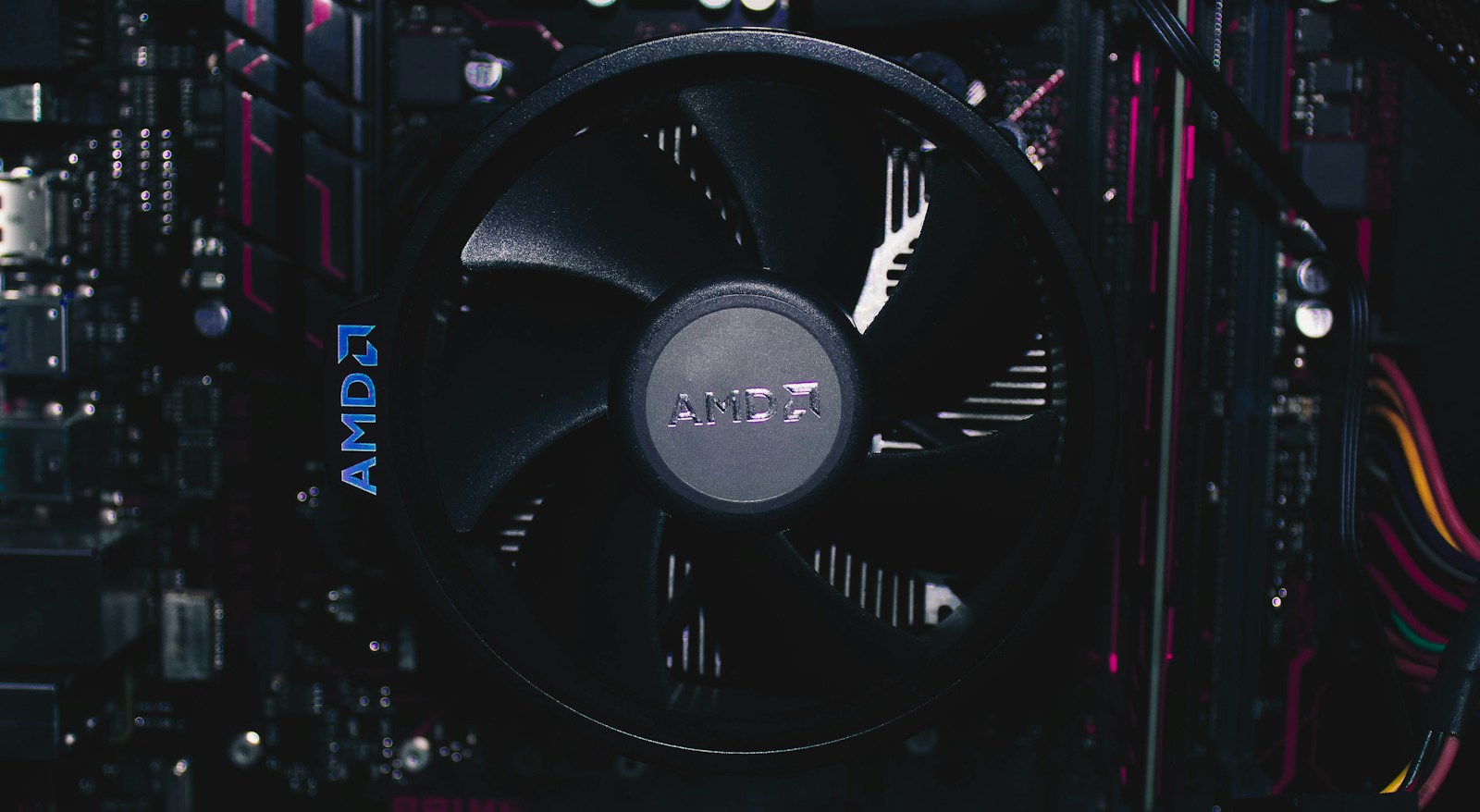
Read temperature in context, compare a repeatable workload, and separate normal boost behavior from a cooling fault.
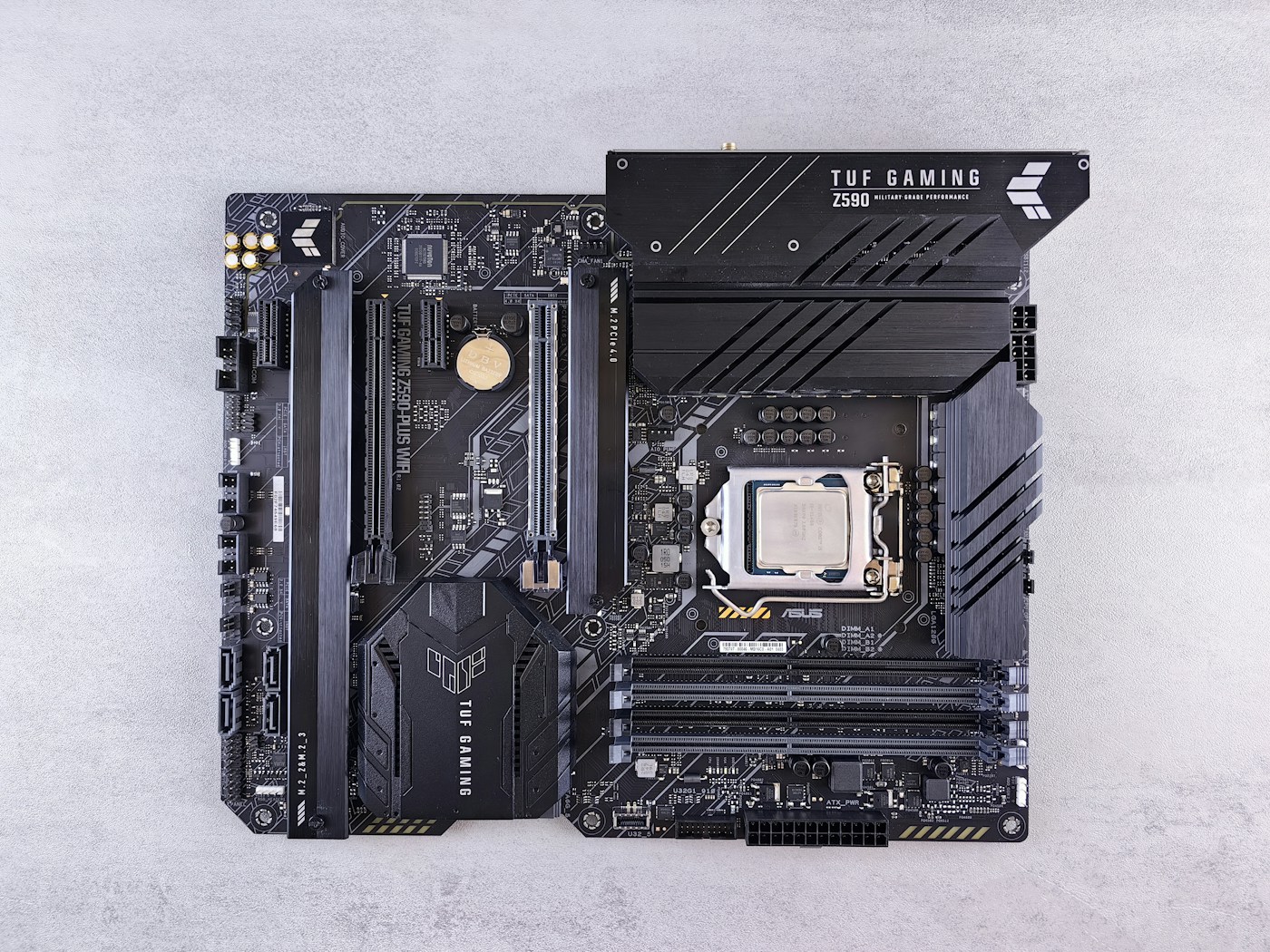
A faster computer starts with the right diagnosis. Here’s how to figure out what’s actually slowing you down.
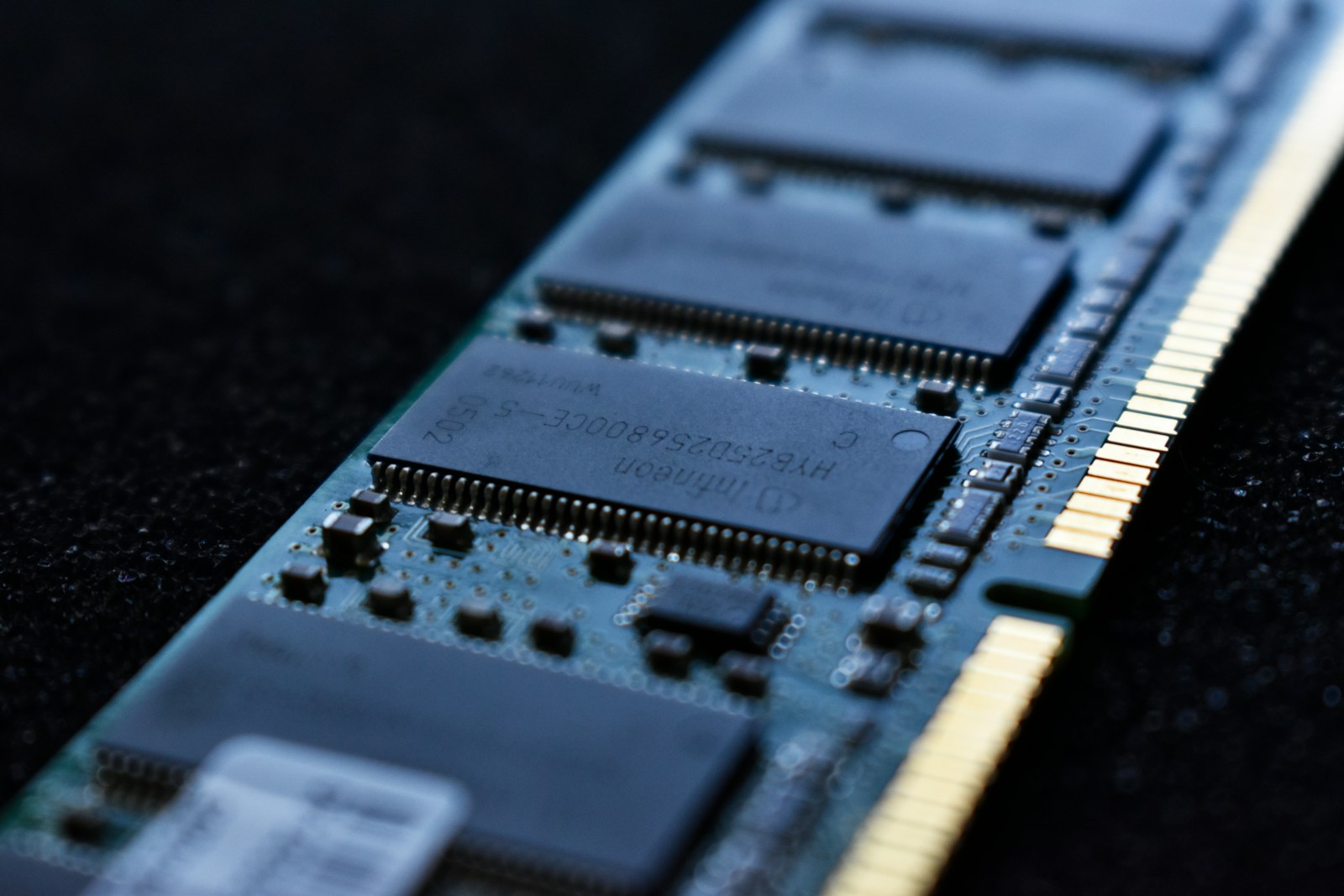
Understand memory usage before buying another stick.