
Kotlin
Lesson 5: Turn messy input into trustworthy study tasks
Continue the study planner with a clear input boundary, useful validation messages, and predictable handling of missing or malformed values.
Every guide, in one place. Find your next useful thing to learn.
Continue the study planner with a clear input boundary, useful validation messages, and predictable handling of missing or malformed values.

Build a reading queue, compare eager and lazy processing, and choose a sequence only when its behavior fits your task.

Follow a reproducible debugging session, inspect an incorrect calculation, read crash evidence, and verify a focused repair.
Move task updates into a small class, distinguish identity from titles, and protect the planner from accidental changes through shared collections.

Read planner snapshots, pass a selection rule into a function, and produce ordered reports without mixing calculations with printing or mutation.

Connect validated text input, stable task identity, explicit updates, and report calculations in a complete console project with repeatable acceptance checks.

Identify what changed, preserve your current files, unstage safely, recover committed work, and verify the result before sharing it.

Record installed software, verify package identities, export a reusable app list, and plan a controlled reinstall without confusing it with a backup.
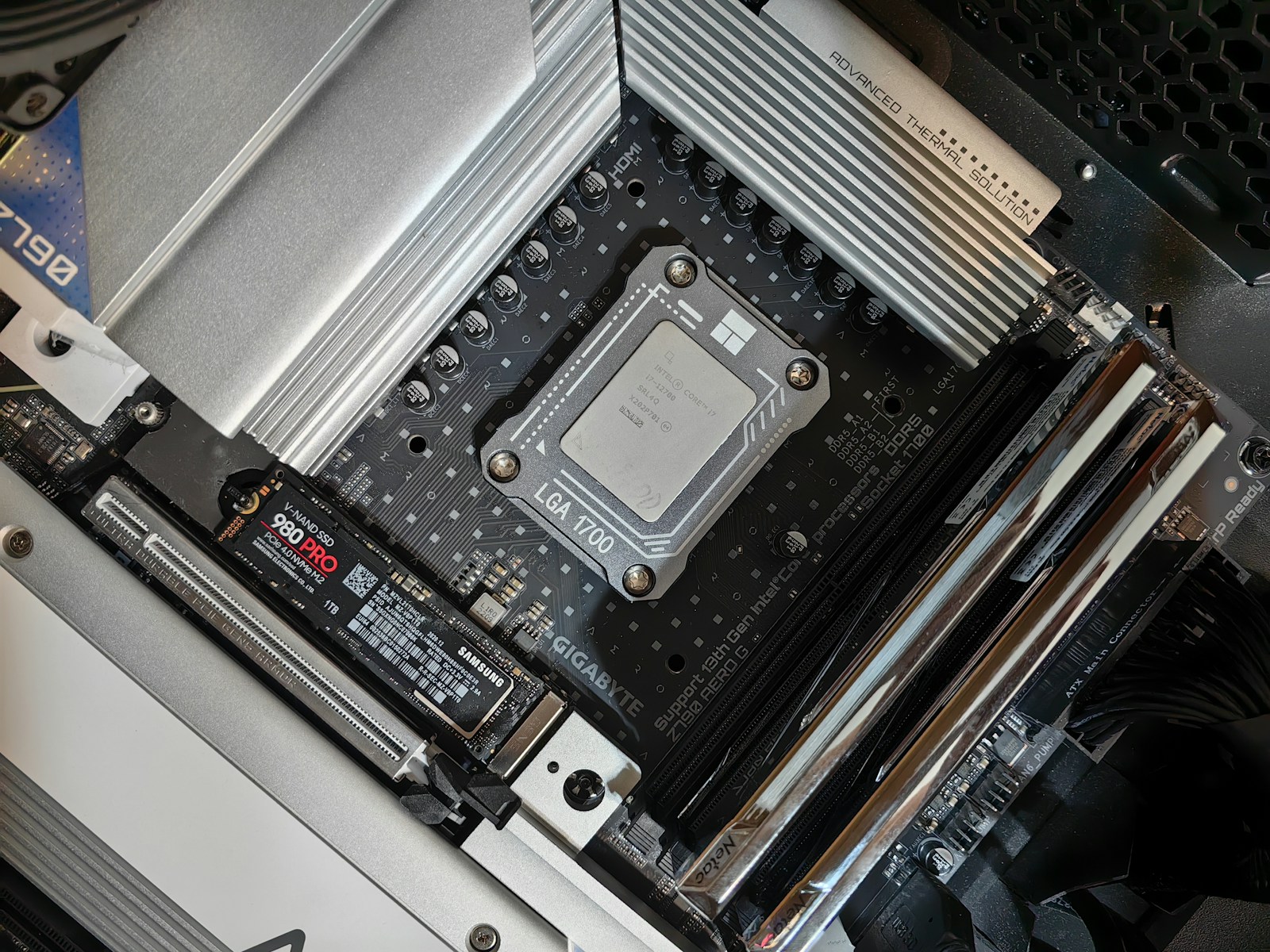
Protect important files, identify the correct drive, interpret health readings in context, and distinguish a storage fault from a slow computer.

Isolate power, input selection, cables, docks, display settings, and panel faults with controlled checks before replacing hardware.
Build a reusable batch validator, keep result types meaningful, and choose the smallest generic interface your application actually needs.
Turn a study planner specification into deterministic checks, test boundaries and failures, and move the same cases into a Kotlin test suite.
Build an explicit task-import result, preserve useful error messages, and separate invalid user input from exceptions at external boundaries.
Build a reusable task summary, choose let and also deliberately, and keep Kotlin transformations easy to understand and test.
Run Kotlin in your browser, understand main, and learn to verify program output.
Describe a study plan with val, var, String, Int, and Boolean; understand numeric conversion and integer division.
Extract progress rules into functions, handle invalid targets with if and when, and total study sessions with a loop.
Combine data models, lambdas, null safety, and result checks in a complete Kotlin program for managing study tasks.
Use nullable types, explicit validation, and small recovery rules to make missing values understandable in an Android app.
Filter, sort, group, and update records with clear rules for identity, ordering, and empty results.
Replace contradictory flags with explicit outcomes and make loading, content, empty, and failure behavior easier to review.
Practice suspend functions, structured concurrency, dispatchers, and cancellation before connecting asynchronous work to Android screens.
Build a reliable development workspace, understand the generated project, and run a welcome screen on a device.

Practice variables, functions, nullability, collections, and data classes using the information your app will display.

Create a reusable form, understand modifiers, and check the screen with a keyboard, larger text, and accessibility tools.

Trace UI events through a ViewModel, collect state with the lifecycle, and distinguish rotation from process death and persistence.

Build a list-to-editor flow, pass stable identifiers, and test back behavior instead of treating navigation as a collection of buttons.

Define a table and DAO, connect a repository, and verify that a successful save survives closing and reopening the app.

Start with a fake feed, perform a controlled HTTPS request off the main thread, and make loading, empty, and failure states visible.

Turn the practice app into a reviewable release with meaningful tests, data-preservation checks, signing, and an honest store listing.

Find what actually delays your morning workflow and trim startup apps with a reversible plan.

Check pairing, application devices, microphone behavior, and connection stability before replacing the headphones.

Explore a live desktop, test hardware, and return to your existing system with a clear plan.

Keep backups, recovery keys, and installation options accessible when the main computer is unavailable.

Separate a bad connection, an unexpected layout, application behavior, and a genuinely failing key.

Decide what the network storage will hold, who can access it, and how you will recover when it fails.

Compare file contents with a trusted reference and understand what a matching hash can actually prove.

Check modes, lighting, profiles, and application behavior before treating every color difference as a defect.

Check the request, verify through an independent route, and respond appropriately if you already clicked.
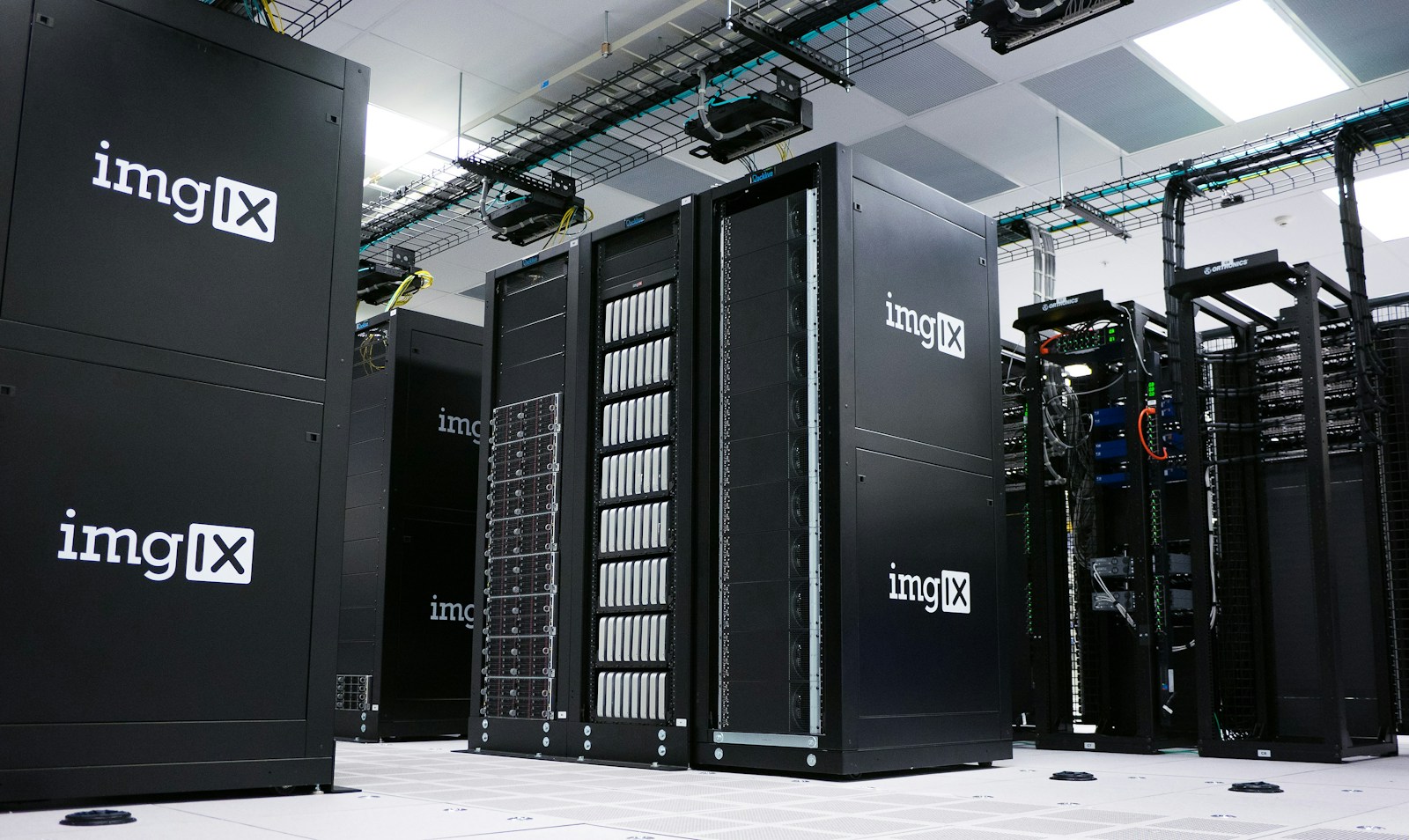
Separate name resolution from connection failures and avoid changing network settings before you have evidence.
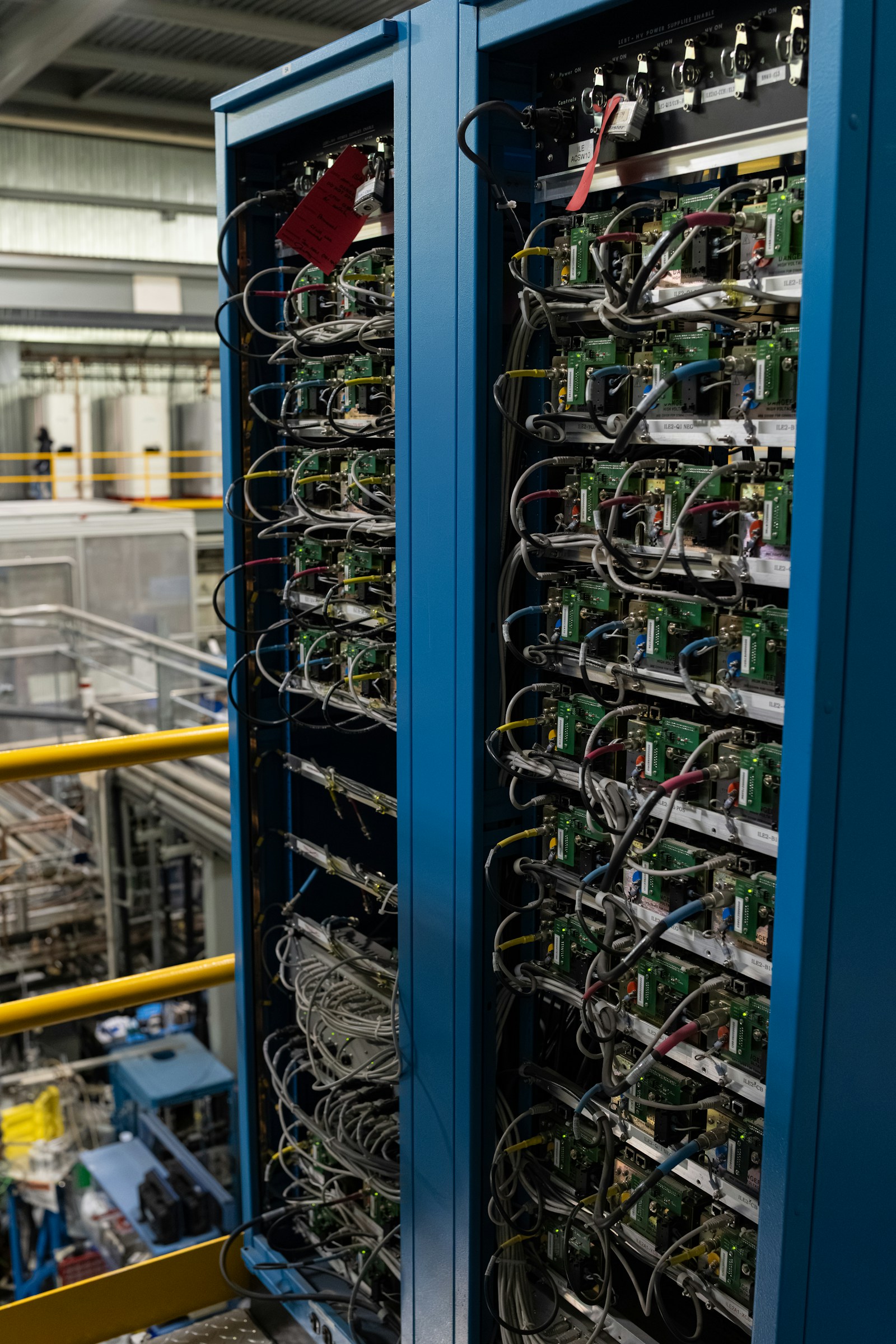
Match connectors, physical fit, and manufacturer requirements without opening the power supply or guessing from wattage alone.

Enroll one account carefully, test another device, and keep recovery methods clear before retiring old sign-in options.

Make a small change on a separate branch, inspect it, and merge it into a clean practice repository.

Read the manifest, preserve the lockfile, and update packages in a way you can review and reproduce.

Read a request, separate headers from data, and turn an unexpected response into a useful debugging question.

Read the conflicting sections, build the intended final file, and verify it before completing the merge.

Start a local web server, inspect logs, and learn the difference between images, containers, ports, and persistent data.

Create a disposable notes database, query it, practice rollback, and make a backup you can actually open.

Turn a repetitive task into a small, observable workflow with clear inputs, a dry run, and sensible failure handling.

Inventory your files and accounts, transfer deliberately, and verify your everyday workflow before retiring the old machine.

A careful cleanup plan for a crowded drive, from measuring storage to verifying your backups.
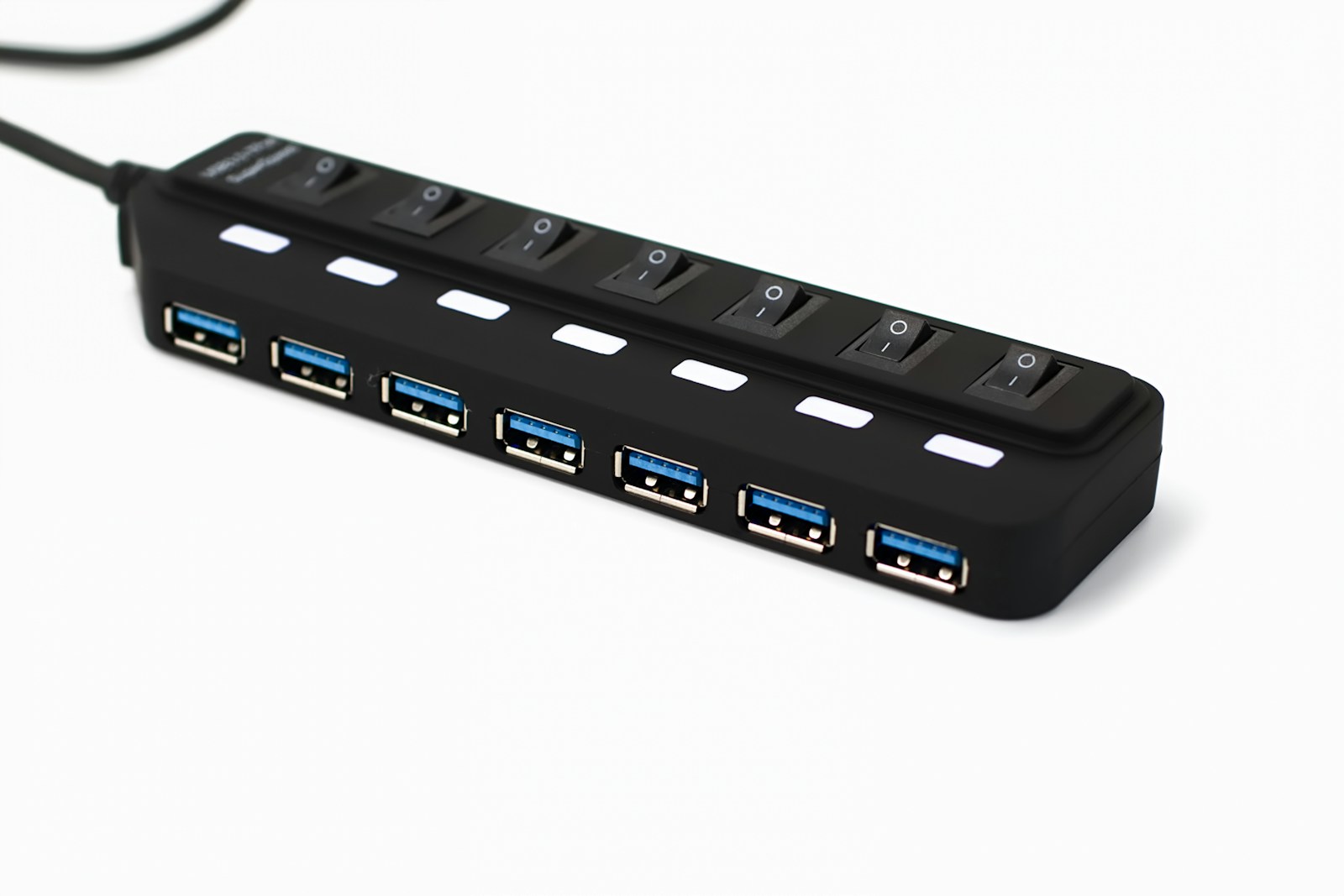
Check the whole connection chain for power, video, and data before blaming the dock.
Create a small repository, review changes, and make useful commits before adding remote hosting.

Add another sign-in check, protect backup codes, and avoid locking yourself out when a phone changes.
A careful storage upgrade, from checking the slot to confirming that the new drive is ready for files.

Keep project dependencies separate, verify the interpreter, and rebuild an environment without guessing.

Check sound, camera, connection, and screen sharing before the meeting, then troubleshoot without disrupting it.
Connect, arrange, scale, and test a second display without fighting your mouse or straining to read.

Read the update status, protect your work, and follow a measured recovery process instead of random fixes.
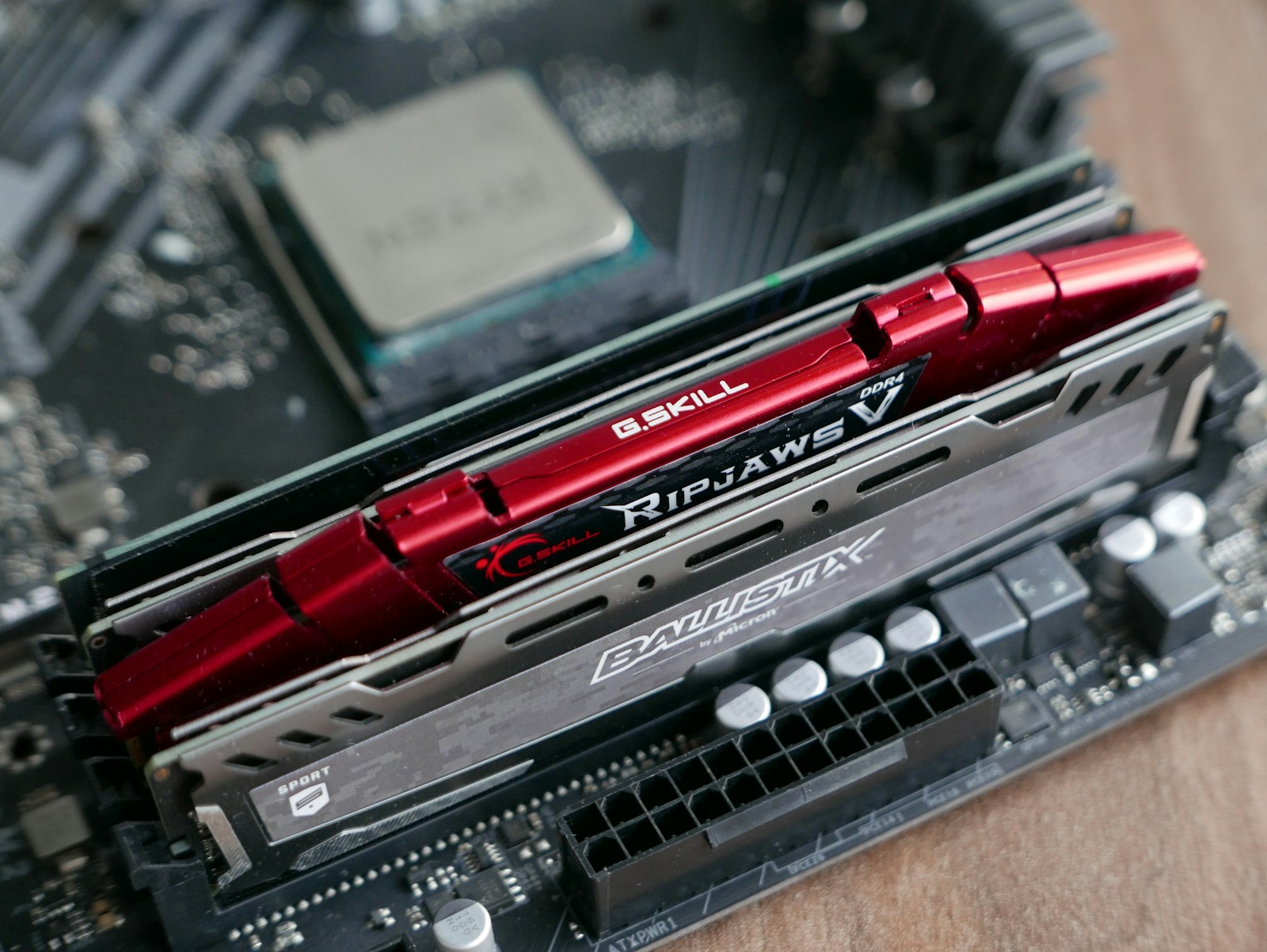
Choose compatible memory, use the correct slots, and test the upgrade before trusting it with real work.

Create distinct browsing spaces, move bookmarks carefully, and understand what profiles do not protect.

Separate a cable problem from a local network or internet problem with a small set of controlled checks.

Separate battery wear from a power-hungry workload using a report and a controlled everyday test.

Set up recovery first, migrate a few accounts at a time, and verify every changed login.

A practical maintenance routine for filters, vents, and accessible fans, with clear limits on what to open.
Build confidence with read-only commands, literal paths, and small observations you can verify.

Choose a format for your devices, label the drive clearly, and verify copies before relying on it.

Build a small folder system, migrate carefully, and keep links, versions, and backups understandable.

Read temperature in context, compare a repeatable workload, and separate normal boost behavior from a cooling fault.
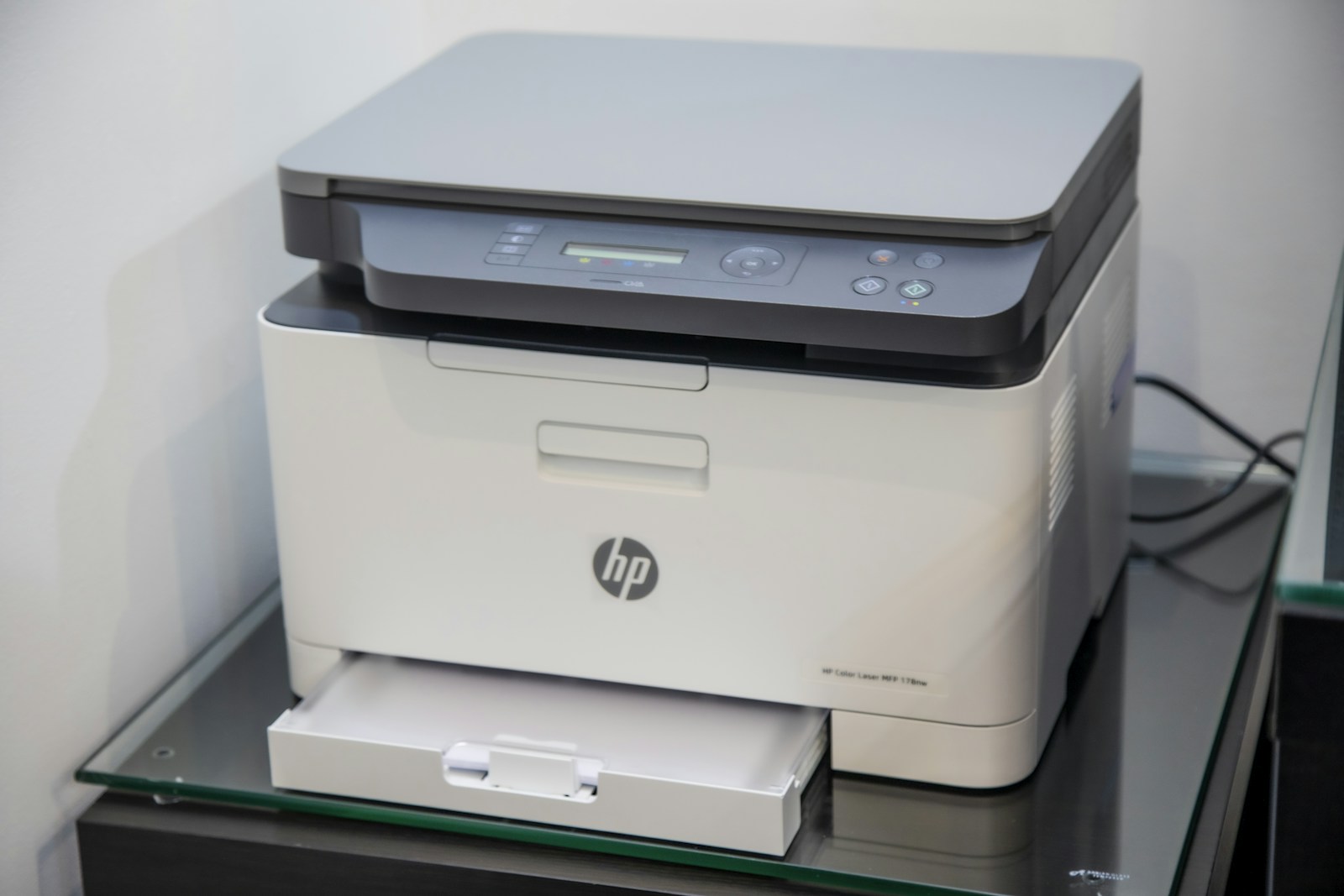
Follow the job from the document to the queue, connection, and printer instead of reinstalling everything first.

A faster computer starts with the right diagnosis. Here’s how to figure out what’s actually slowing you down.

A few small changes that make your editor feel like your own.

A simple backup routine you can actually stick to.
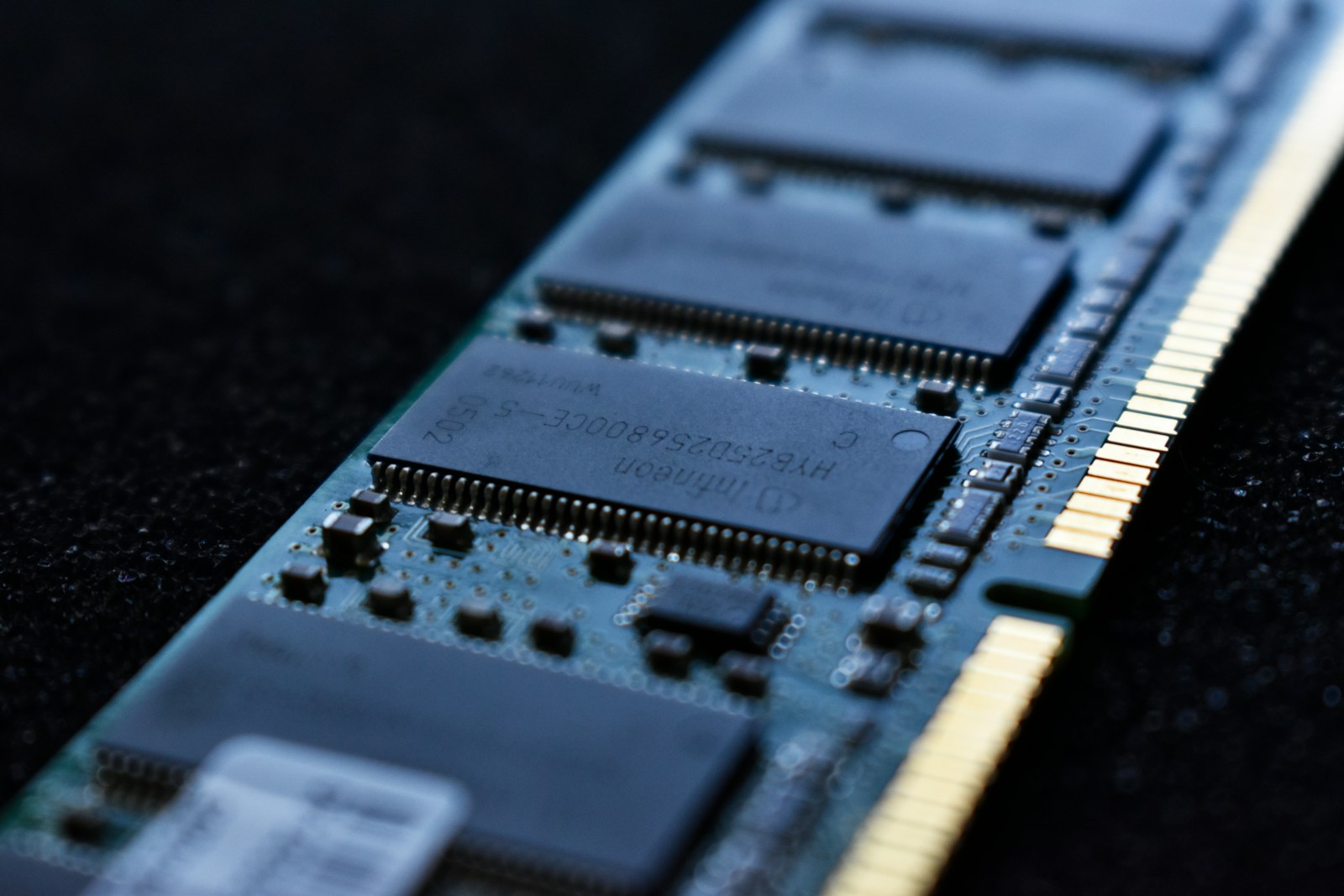
Understand memory usage before buying another stick.

Tidy up tabs, extensions, and permissions without losing your bookmarks.
Find out whether the problem is your signal, your device, or your connection.